What Happens When You Click on a Website
A step-by-step look at how browsers, servers, and networks work together to load a webpage.

Sandeep Varma

Every day we click links, open webpages, and navigate the internet without thinking much about what is happening behind the scenes. A website appears almost instantly, images load, text displays, and interactive elements begin responding to our actions. Because the experience is designed to feel smooth and immediate, it is easy to assume that very little is happening when we click a link.
In reality, a surprisingly complex sequence of events unfolds in the fraction of a second between clicking a link and seeing a page appear on your screen. Understanding this process is an important step toward understanding how software systems work. By learning what actually happens when a browser loads a webpage, you begin to see how networks, servers, and software components interact to deliver modern applications. Exploring these details deepens your understanding of software engineering and reveals the intricate systems that engineers design to make the internet function reliably.
The Click That Starts Everything
The process begins the moment a user clicks on a link or enters a web address into their browser. Although the action feels simple, the browser immediately begins preparing a request for information. The address that the user typed or clicked, known as a URL, contains the information needed to locate a specific resource on the internet.
Before the browser can request the webpage itself, it first needs to determine where the website actually lives. Websites are hosted on servers, which are computers connected to the internet that store and deliver website content. However, browsers do not communicate using human-readable website names such as example.com. Instead, they rely on numerical identifiers known as IP addresses. This means the browser must first translate the website name into the correct IP address.
Finding the Server with DNS
To translate a domain name into an IP address, the browser consults the Domain Name System, commonly known as DNS. DNS functions like a massive directory for the internet, mapping human-friendly domain names to the numerical addresses that computers use to identify each other on a network.
When the browser needs to find the IP address for a website, it sends a request to a DNS server asking where that domain can be found. The DNS system responds with the correct IP address for the server hosting the website. Once the browser receives this information, it now knows where to send its request for the webpage.
This entire lookup process typically happens extremely quickly, often in just a few milliseconds, but it is a crucial step in connecting users to the correct server across the global internet.
Sending the Request
After the browser has determined the correct IP address, it establishes a connection with the server that hosts the website. Once this connection is established, the browser sends an HTTP request asking the server to provide the contents of the webpage.
This request contains several pieces of information that help the server understand what the browser needs. It includes the specific page being requested, details about the browser itself, and sometimes additional data such as cookies or authentication information. The server receives this request and begins processing it to determine what content should be returned.
For simple websites, the server may only need to retrieve a static HTML file. For more complex applications, the server may need to execute code, retrieve data from databases, and assemble multiple pieces of information before generating the final response.
The Server Builds the Response
Once the server understands what the browser is requesting, it begins the work of preparing the response. In many modern web applications, this involves running application code that determines what information should appear on the page. The server might query a database to retrieve stored data, gather information from other services, or process user-specific content before generating the final page.
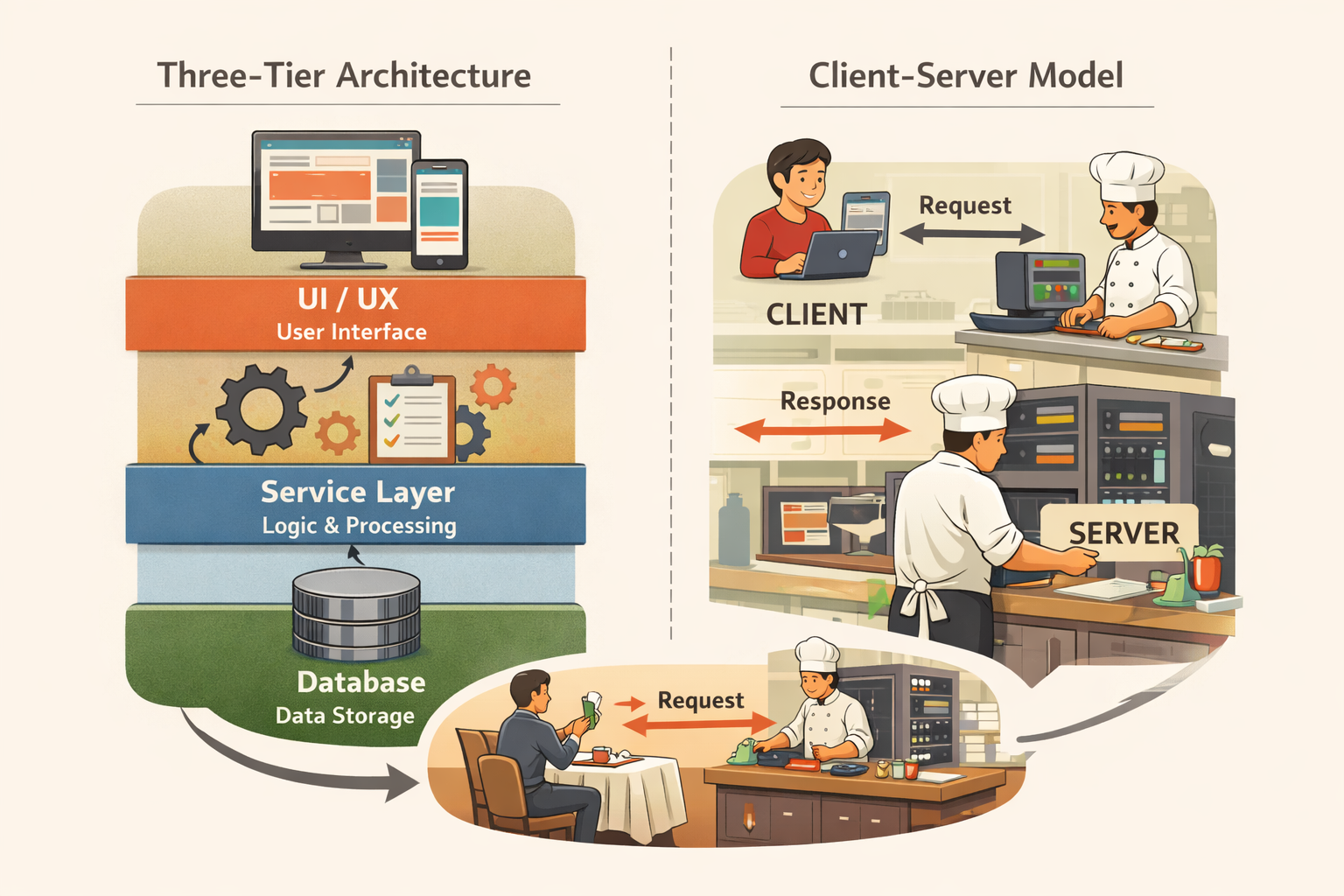
This three-layer structure, where requests pass through a frontend, then an API, then a database, is explained in Three-Tier Architecture and the Client-Server Model, which makes the flow you are reading about here much easier to reason about.
The result of this work is typically a structured document written in HTML, which defines the layout and content of the webpage. Along with the HTML, the server may also include references to additional resources such as stylesheets, JavaScript files, images, and fonts that are required to fully render the page.
Once the server has assembled the response, it sends the data back across the network to the user’s browser.
The Browser Builds the Page
When the browser receives the server’s response, it begins interpreting the HTML document and constructing the visual page that the user will see. The browser reads the structure of the document and starts building what is known as the Document Object Model, or DOM, which represents the elements of the page as a structured tree.
As the browser parses the HTML, it also discovers additional resources that must be loaded in order to display the page correctly. These resources might include CSS files that define the appearance of the page, JavaScript files that add interactivity, and images or other media content. The browser sends additional requests to retrieve these resources, often loading many of them simultaneously to improve performance.
As these files arrive, the browser continues assembling the page, applying styles, executing scripts, and arranging elements into their final layout.
The Page Appears
After the browser has gathered enough information to render the initial view of the page, it displays the content on the screen. Even after the page first appears, additional resources may still be loading in the background, and scripts may continue running to enable interactive features.
From the user’s perspective, the page simply appeared after clicking a link. In reality, a complex series of coordinated actions took place involving domain name lookups, network communication, server processing, and browser rendering. All of these systems worked together in a matter of milliseconds to deliver the final result.
Why This Matters for Software Engineers
Understanding what happens when someone clicks on a website provides an important mental model for how software systems operate. Instead of seeing a webpage as a simple document, you begin to recognize the many layers involved in delivering it. Networks route requests across the internet, servers process logic and retrieve data, and browsers transform structured information into interactive experiences.
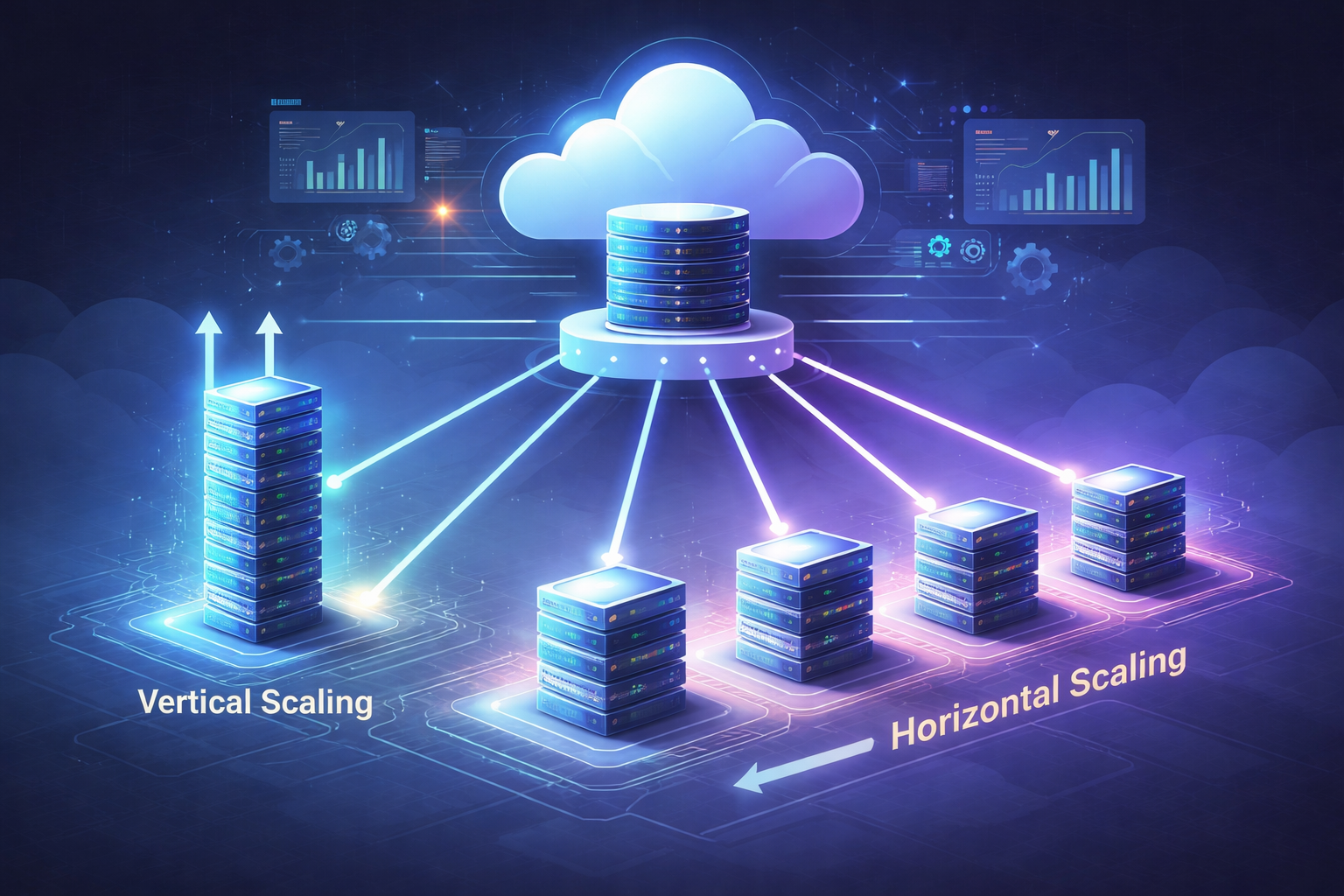
For software engineers, these layers represent the building blocks of modern applications. Learning how they interact makes it easier to design systems that are reliable, scalable, and efficient. It also helps engineers diagnose problems, improve performance, and understand where different parts of an application should live. As those systems grow to serve more users, the challenges shift from building to scaling. How Software Systems Scale: From One Machine to Many traces that evolution from a single machine to distributed infrastructure.
By looking beyond the surface of everyday interactions with software, you start to see the deeper systems that power the internet and the engineering decisions that make those systems work.
If this explanation helped clarify what actually happens when you click on a website, then you have already taken an important step toward understanding how software systems work behind the scenes. If any part of this process still feels unclear or you would like me to expand on specific areas such as browser rendering, server processing, or how databases are involved, feel free to reach out or leave a comment. I’m always happy to dive deeper into the topics that will help you better understand the inner workings of modern software systems.
Did you find this useful?
Comments
Loading comments...
Please log in to post a comment.
About the author

I write about leadership and software engineering through the lens of someone who’s worked as a software engineer, product owner, and engineering manager. With a Bachelor’s in Computer Science Engineering and an MBA in IT Strategy, I bring together deep technical foundations and strategic thinking. My work is for engineers and digital tech professionals who want to better understand how software systems work, how teams scale, and how to grow into thoughtful, effective leaders.
Continue reading
System Design for Engineering Managers: Know Enough to Lead, Not to Architect
Understanding the level of system design literacy engineering managers need to guide architecture without getting lost in the details.
The Real Meaning of Technical Debt in Software Engineering
Why software teams sometimes move fast with imperfect code and how responsible teams clean it up.