Understanding Git and Version Control for Non-Engineers
A simple guide for non-engineers to understand how software teams track and collaborate on code

Sandeep Varma

If you work with software engineering teams, you will often hear terms like Git, GitHub, pull request, branch, or merge. For engineers, these are everyday tools. For project managers, product managers, and other professionals who collaborate with engineering teams, these terms can feel confusing.
Understanding the basics of version control will help you better follow engineering discussions, understand how code changes move through a system, and participate more effectively in the development process.
The good news is that the core idea behind Git is not complicated. In fact, most people have already used something very similar when working with tools like Google Docs or Google Sheets.
This article will explain Git and version control using familiar examples so that you can quickly understand how software teams collaborate on large codebases.
The Challenge of Managing Large Codebases
Software systems are rarely a single file. Most real applications contain hundreds or even thousands of files working together. These files may represent user interfaces, data processing logic, configuration settings, and many other components.
Now imagine a team of ten engineers working on this same codebase at the same time.
Each engineer may be building a new feature, fixing a bug, or improving an existing part of the system. All of these changes need to be coordinated carefully so that one person's work does not accidentally overwrite another person's work.
A simple solution might be to store the code in a shared location such as Google Drive. Each engineer could download the files, make changes, and upload them again. While this might work for a small project, it quickly becomes chaotic.
Several problems appear almost immediately.
You might not know who changed which file.
Someone might accidentally overwrite another person's work.
There is no clear way to review changes before they become part of the main system.
This is where version control systems such as Git become essential.
A Familiar Example: Google Docs Version History
Before diving into Git, it helps to start with something most people have already used.
Think about a shared Google Doc.
Multiple people can edit the document at the same time. Google automatically keeps a version history that allows you to see who made changes and when those changes were made. If someone accidentally deletes an important section, you can restore a previous version of the document.
You can also leave comments suggesting improvements before accepting certain changes.
This concept of tracking changes over time is the foundation of version control.
Git applies this same idea to software code, but it is designed to work with thousands of files and teams of engineers collaborating at the same time.
What Git Actually Does
Git is a version control system that tracks changes to a collection of files over time.
Every time an engineer makes a meaningful change to the codebase, they record that change as a commit. A commit is essentially a snapshot of the entire project at a particular moment.
Because Git stores these snapshots, teams can always answer important questions such as:
Who made a change?
What exactly changed?
When did the change happen?
Can we return to a previous version if something breaks?
This ability to track history gives teams confidence to experiment and improve the software without losing previous work.
GitHub: A Collaboration Platform for Git
While Git manages the version history of the code, platforms like GitHub provide a place where teams can store and collaborate on that code together.
You can think of GitHub as the shared workspace where engineers upload their code repositories. It adds collaboration tools that make teamwork easier.
For example, GitHub allows engineers to review each other's changes, discuss improvements, and approve updates before they become part of the main project.
In many ways, GitHub functions like a professional collaboration layer on top of Git.
Branches: Working on Changes Safely
When engineers build new features, they usually do not edit the main version of the code directly.
Instead, they create a branch.
A branch is essentially a copy of the project where a developer can safely make changes without affecting the main version of the software. This is similar to making a copy of a document so you can experiment without altering the original.
Each engineer can work on their own branch while the rest of the team continues building other features.
Once the work is complete, the changes can be reviewed and merged back into the main version of the project.
Pull Requests: Reviewing Changes
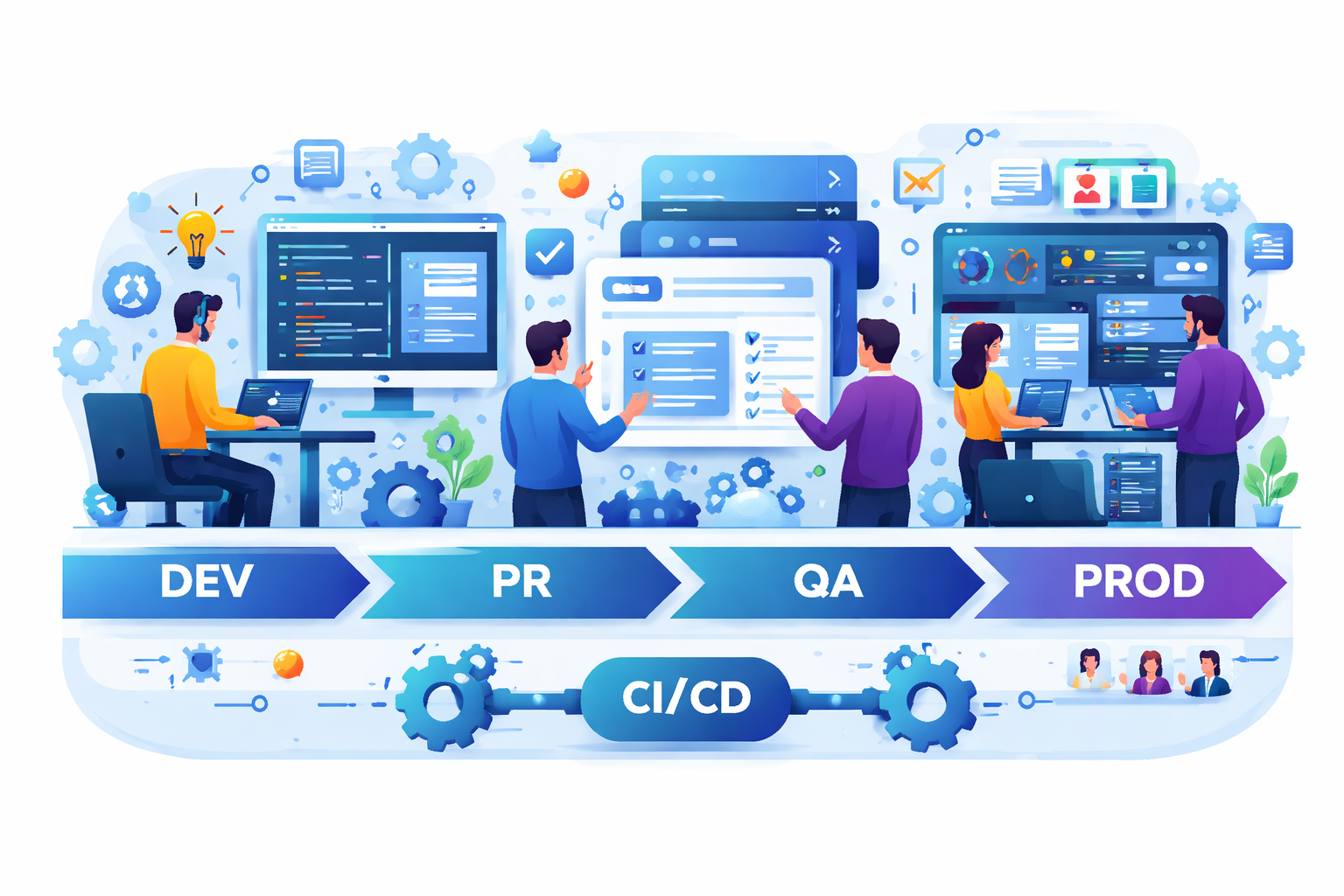
When a developer finishes working on a branch, they create something called a pull request, often shortened to PR.
A pull request is a formal request asking the team to review and accept the proposed changes.
GitHub shows exactly what has changed between the branch and the main version of the code. Reviewers can see added lines, removed lines, and modified sections across many files.
This is similar to the "suggested edits" or "tracked changes" feature in a Word document. Instead of quietly changing the original document, the contributor proposes changes that others can review.
Team members can leave comments, ask questions, or request improvements before approving the update.
This process helps maintain code quality and encourages collaboration.
Merging: Bringing Approved Changes Together
After the changes in a pull request have been reviewed and approved, they are merged into the main branch of the project.
Merging simply means that the approved changes become part of the official version of the codebase.
From that point forward, every engineer who downloads the latest version of the project will receive those updates.
This structured process allows dozens or even hundreds of developers to work on the same system without constantly overwriting each other's work.
Why Version Control Matters for the Whole Team
Even if you are not writing code yourself, understanding Git and version control helps you follow how engineering work moves through a system.
For example, when a product manager hears that a feature is "in a branch" or "waiting for PR review," they now understand that the work is complete but still being validated.
When a release is delayed because of unresolved pull requests, it means the team is still reviewing and approving code changes.
Version control is not just a technical tool. It is a collaboration system that helps teams coordinate complex work with clarity and accountability.
Understanding how that coordination plays out across a full sprint is covered in From Requirement to Release: What Really Happens Inside Engineering, which shows exactly where pull requests and merges fit in the larger workflow.
Final Thoughts
Modern software development would be nearly impossible without version control systems like Git. This is one of the foundational practices that makes DevOps possible where developers own not just the code but the entire journey from commit to deployment, explained in The Rise of DevOps: Why Developers Now Deploy Their Own Code.
They allow large teams to build complex systems while keeping track of every change, every contributor, and every version of the code. Platforms like GitHub then add collaboration tools that make reviewing and approving changes structured and transparent.
For non engineers working closely with development teams, understanding these concepts provides valuable context for how software is built, reviewed, and released.
You do not need to know how to write code to understand how code evolves.
And once you understand version control, many engineering conversations suddenly become much easier to follow.
Key Takeaways
Git is a version control system that tracks changes to software code over time.
GitHub is a collaboration platform where teams store code and review changes.
Branches allow engineers to work on features without affecting the main project.
Pull requests allow teams to review and discuss proposed changes.
Merging integrates approved updates into the main codebase.
Call to Action
If you work with software teams, start paying attention to how pull requests and branches appear in conversations during development.
Ask an engineer on your team to show you a real pull request on GitHub and walk you through the changes. Seeing how code reviews work in practice will make these concepts much clearer.
And if you have questions or insights from working with engineering teams, share your thoughts in the comments below. Your perspective as a product manager, project manager, or cross functional collaborator is incredibly valuable to the conversation.
Did you find this useful?
Comments
Loading comments...
Please log in to post a comment.
About the author

I write about leadership and software engineering through the lens of someone who’s worked as a software engineer, product owner, and engineering manager. With a Bachelor’s in Computer Science Engineering and an MBA in IT Strategy, I bring together deep technical foundations and strategic thinking. My work is for engineers and digital tech professionals who want to better understand how software systems work, how teams scale, and how to grow into thoughtful, effective leaders.
Continue reading
Containerization: How Modern Applications Run the Same Everywhere
Why packaging software with its environment solved the famous “works on my machine” problem
The Evolution of Software Testing: From Manual to Automation
How a simple two-page app teaches us everything we need to know about why automated testing exists