The Evolution of Software Testing: From Manual to Automation
How a simple two-page app teaches us everything we need to know about why automated testing exists

Sandeep Varma

Why Testing Matters: The Story Behind Automated Testing
Before we talk about how to test software, it is worth understanding why testing exists in the first place and how it evolved into what it is today. If you have ever wondered why engineering teams spend so much time writing tests, or why organizations invest in automation testing infrastructure, this post is for you. This is the story of how testing grew from a simple sanity check into one of the most critical disciplines in modern software development.
It All Starts Small
Imagine you and a small team are building a web application together. At the beginning, it is simple. You have two pages: a login page and a dashboard. A user enters their credentials, they log in, and they see their dashboard. That is it.
At this stage, testing feels almost unnecessary. Any developer on the team can open a browser, type in a username and password, and immediately see whether the login works. If the dashboard loads correctly, you ship it. Done. The application is small, the scope is clear, and the feedback loop between writing code and verifying that it works is almost instant.
This is the honeymoon phase of software development, and it feels great.
The Application Starts to Grow
A few weeks go by. Your stakeholders love the product and start asking for more. You add a profile settings page. Then a notifications panel. Then a search feature. Then a payment flow. Then an admin panel for managing users. Then reports. Then integrations with third party services.
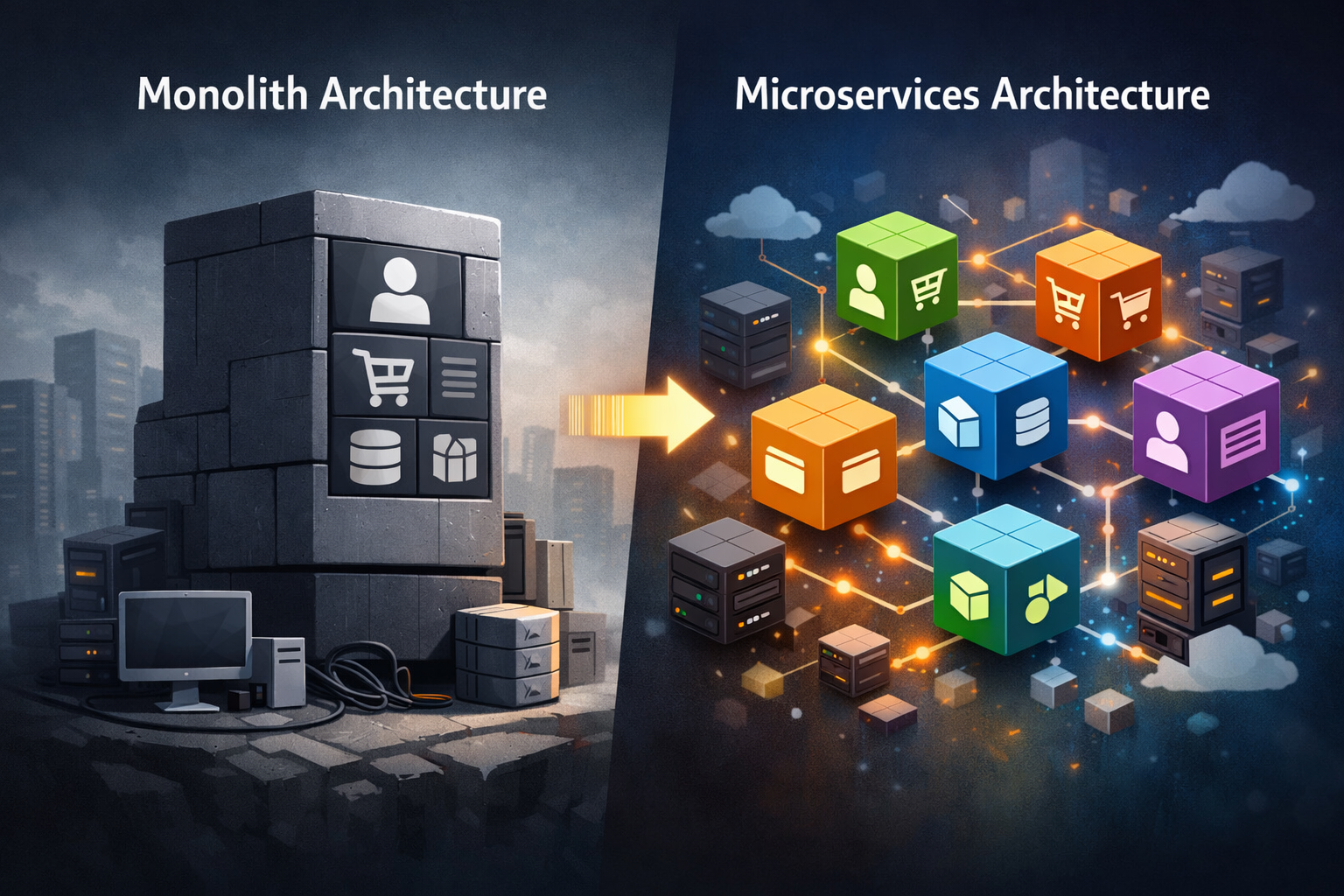
Before you know it, your two page application has grown into something with dozens of screens, hundreds of interactive elements, complex business logic, and multiple user roles each with their own set of permissions and workflows. This growth is the same pattern that pushes teams to reconsider how their backend is structured, moving from a single application to more separated services, as described in From Monoliths to Microservices: How Backend Systems Evolve Over Time.
Now think about what testing looks like at this point. Every time a developer makes a change, someone needs to verify that:
- The login still works for all user types
- The dashboard still loads correctly with different data sets
- The payment flow completes without errors
- The admin panel still enforces permissions properly
- The search returns accurate results
- The notifications display in the right order
- None of the new changes accidentally broke something on a page they were not even touching
This is no longer something a developer can casually check in five minutes before pushing code. This is a full day of work, and that is assuming nothing goes wrong.
Enter the Manual Testing Team
At this point, most organizations make a sensible decision: they hire dedicated testers. These are people whose full time job is to go through the application, click every button, fill out every form, try every edge case, and document what breaks. They do not need to write code. They need to understand the product, follow test scripts, and report bugs. This works, and it is a reasonable solution for a growing application.
But here is where the math starts to become uncomfortable.
As your application grows, your testing team has to grow with it. When you add a new feature, you are not just testing that new feature. You are also testing everything that the new feature might have touched or affected. In software, this is called regression testing, making sure that new code did not break old functionality. With a large and interconnected application, a single change in one place can have unexpected ripple effects in three other places.
So your testing team grows from one person to two, then to five, then to ten. Each release cycle requires all of them to run through their test scripts, which takes days. And even with all that effort, things still slip through. Humans get tired. Testers miss steps. Edge cases get forgotten. A bug that should have been caught before release makes it to your users, and now you are dealing with an incident in production.
The cost of this model compounds quickly. You are paying for a growing team of testers. You are slowing down your release cycles because every deployment requires a multi day testing sprint. And despite all of that investment, you still have bugs reaching production because manual testing at scale is inherently error prone.
The Turning Point: What If the Code Could Test Itself?
Here is where the mindset shift happens. All of that clicking, filling out forms, checking outputs, and verifying behavior follows a predictable, repeatable pattern. A human tester follows a script. They do step one, check the result, do step two, check the result, and so on. That is exactly the kind of work that computers are extraordinarily good at.
What if, instead of a person clicking through the application every time code changes, you wrote a program that does the clicking for you? What if a developer, as part of writing a new feature, also wrote a small program that verifies the feature works exactly as expected? And what if that program could be run instantly, automatically, every single time someone makes a change to the codebase?
This is the core idea behind automated testing.
Yes, writing an automated test takes more effort than a human manually checking something once. But here is the critical difference: a human tester has to re-do their work every single time. An automated test is written once and runs forever. Every time code changes, every time a new feature is added, every time a bug is fixed, those tests run automatically and immediately tell you whether everything still works. No waiting. No scheduling a testing sprint. No human fatigue. Just instant, reliable feedback.
The developer who writes a feature can also write the test for that feature right alongside it. The cost is front loaded, but the long term return is enormous. Instead of a growing team of manual testers slowing down every release, you have a growing suite of automated tests that run in minutes and catch problems before they ever reach your users.
Testing Happens at Multiple Levels
One of the most important things to understand about automated testing is that it does not happen in just one way. Just as a building has inspections at the foundation level, the structural level, and the finished construction level, software can be tested at multiple layers of granularity.
You can test tiny, isolated pieces of logic to make sure a single function returns the right output. You can test how different parts of the system communicate with each other to make sure they integrate correctly. You can test the entire application from start to finish, simulating a real user going through a complete workflow. And you can test how the system behaves under load, stress, and edge case conditions.
Each of these layers serves a different purpose, and together they form a comprehensive safety net for your application. In a follow up post, we go deep into each of these testing types and how to implement them. But to give you a sense of the landscape, here is a brief overview of what those layers look like:
Component Testing focuses on testing individual UI components in isolation to make sure they render and behave correctly on their own.
Integration Testing verifies that different parts of the system work correctly together, for example making sure your backend API and your database communicate as expected.
End to End Testing simulates a complete user journey through the application, from opening the browser to completing a workflow, to confirm the entire system works as a whole.
Mock and Live Dependency Testing covers how your application behaves when it interacts with external systems, both by simulating those systems with mocks and by testing against live versions of them.
Performance Testing evaluates how your application performs under various conditions, including load testing for high traffic scenarios and stress testing to find breaking points.
Smoke Testing is a quick, high level pass to verify that the most critical functionality works after a new deployment, before running a full test suite.
Regression Testing is the practice of re running existing tests after changes to confirm that nothing that previously worked has been broken by new code.
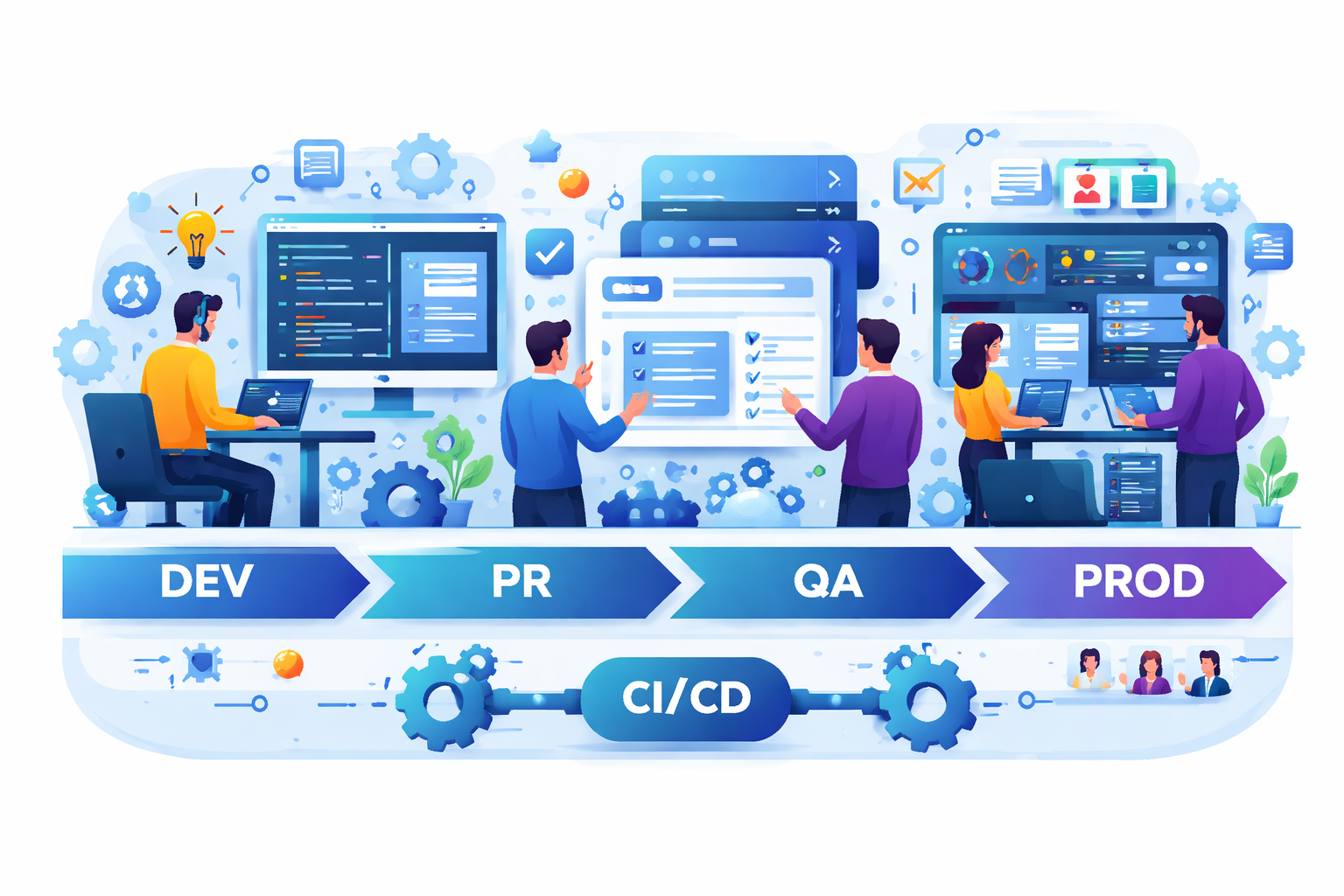
Each of these testing types plays a role in a mature, well tested application. If you want to understand how these testing layers fit into the broader software delivery pipeline, From Requirement to Release: What Really Happens Inside Engineering shows exactly where automated testing sits in the journey from code to production.
The Bottom Line
Manual testing is not wrong. It is a natural and necessary response to a growing application. But it does not scale. As your application grows in complexity, the cost of manual testing grows with it, in team size, in time, in missed bugs, and in slower releases.
Automation testing flips that equation. The upfront investment in writing tests pays dividends every single time the application changes. Teams that invest in automation testing move faster, not slower. They catch bugs earlier, when they are cheaper to fix. They ship with confidence because they have a safety net that runs in minutes instead of days.
The next time someone asks why a team is spending time writing tests instead of just shipping features, the answer is simple: because they are building the infrastructure that allows them to keep shipping features, safely and quickly, for as long as the product exists.
What Do You Think?
If you made it this far, thank you for reading! I would love to hear your thoughts. Does this framing of testing resonate with you? Have you experienced the pain of manual testing at scale, or have you seen the benefits of automation firsthand in your own work? Drop a comment below and share your experience. And if this post helped you understand why automated testing matters, or if there is something you are still unclear about, let me know in the comments. Your questions and feedback help shape what we cover next.
Did you find this useful?
Comments
Loading comments...
Please log in to post a comment.
About the author

I write about leadership and software engineering through the lens of someone who’s worked as a software engineer, product owner, and engineering manager. With a Bachelor’s in Computer Science Engineering and an MBA in IT Strategy, I bring together deep technical foundations and strategic thinking. My work is for engineers and digital tech professionals who want to better understand how software systems work, how teams scale, and how to grow into thoughtful, effective leaders.
Continue reading
Understanding Git and Version Control for Non-Engineers
A simple guide for non-engineers to understand how software teams track and collaborate on code
Infrastructure as Code: The Secret Behind Scalable Cloud Systems
Understanding how engineers manage servers, databases, and cloud infrastructure using code instead of manual setup